After more than a year of solid performance — and a few hiccups with the ATEN Matrix — it was time to rebuild my Logi-Lab once again. I finally got my ATEN Matrix back, and it seems to be working now. The WebUI still isn’t behaving as expected, but telnet access works fine, which is good enough for me and for Companion App integration.
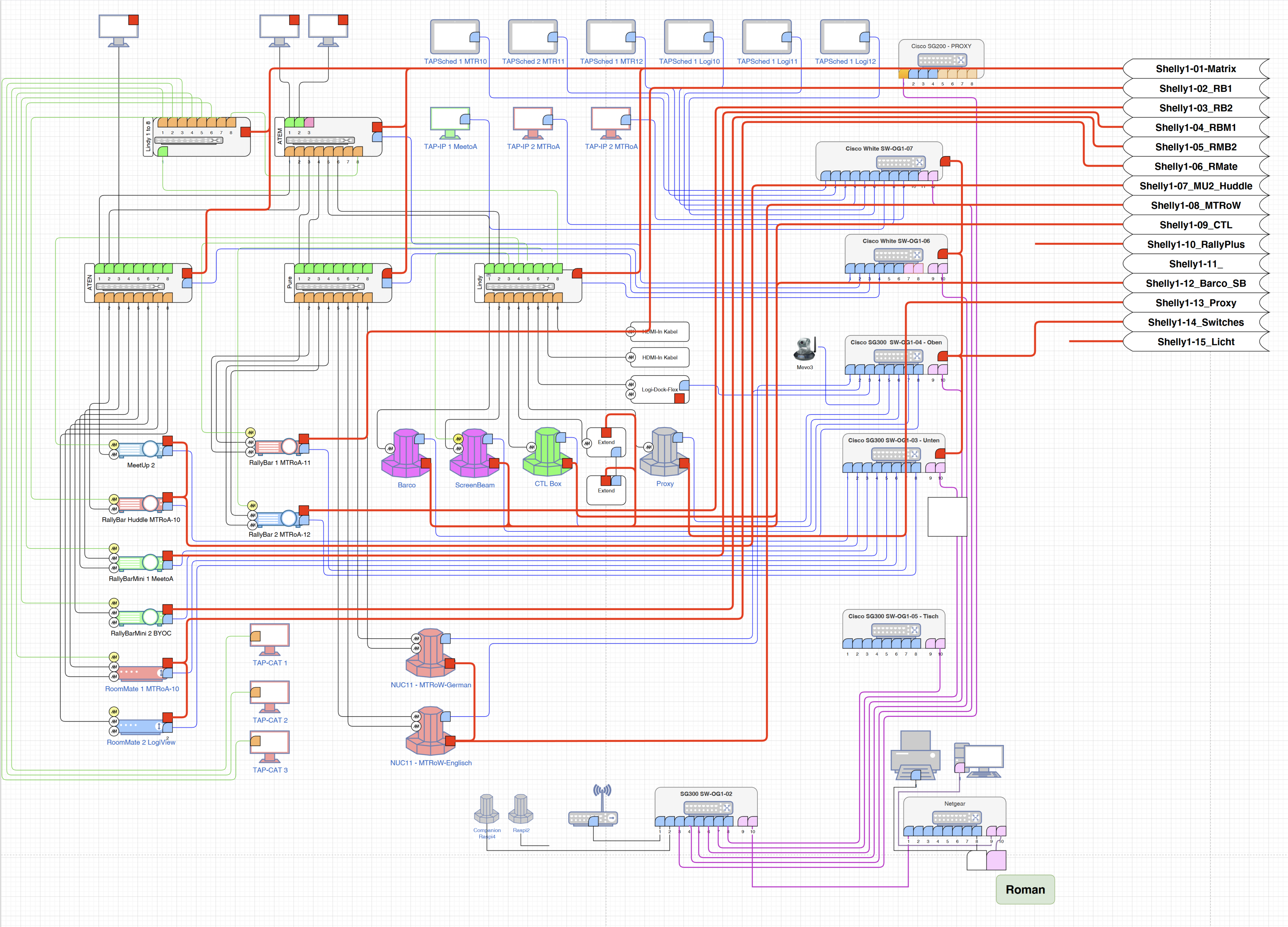
In the meantime, I also picked up a used Lindy Matrix, giving me three sets of 8 HDMI ports to work with. I added a used Lindy 1-to-8 HDMI splitter as well, which lets me fan out the content channel to multiple devices. I spent some time reworking my lab layout — redrawing the setup and rethinking how I want to route video between devices.
The basic structure remains the same: the HDMI matrices combine eight inputs into two outputs, which then feed into the ATEM Switcher. From there, the final mix goes to OBS on my PC. Alongside the AV setup, there’s the network layer to manage — including switching power on certain ports to control TAP-IPs and TAP Schedulers when they’re not needed.
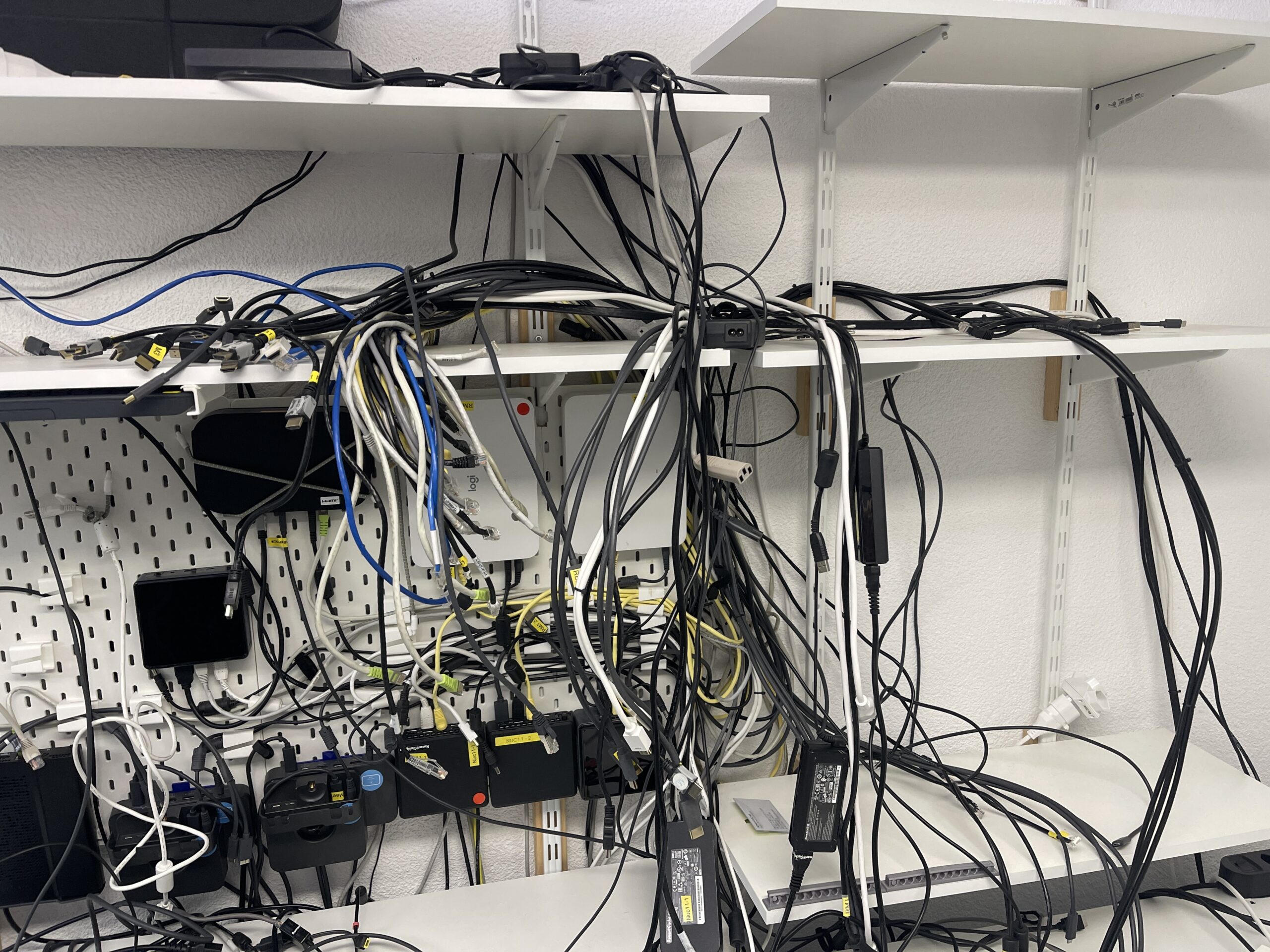
As usual, the setup involves a lot of cables. Tearing everything down took almost half a day — unplugging devices, untangling cables, sorting, cleaning dust, and prepping for the rebuild. Cable management was a challenge, but it turned out mostly neat in the end.
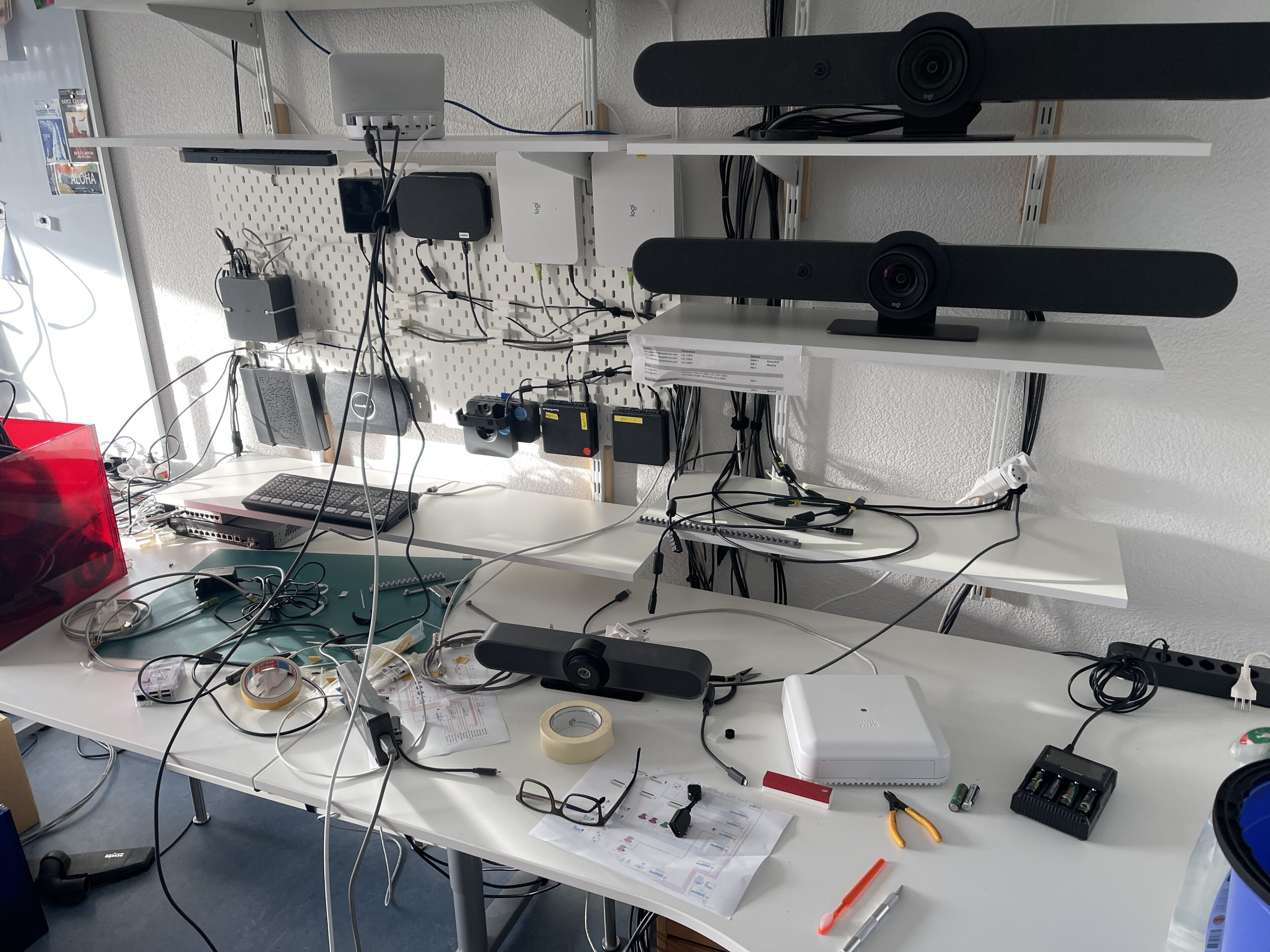
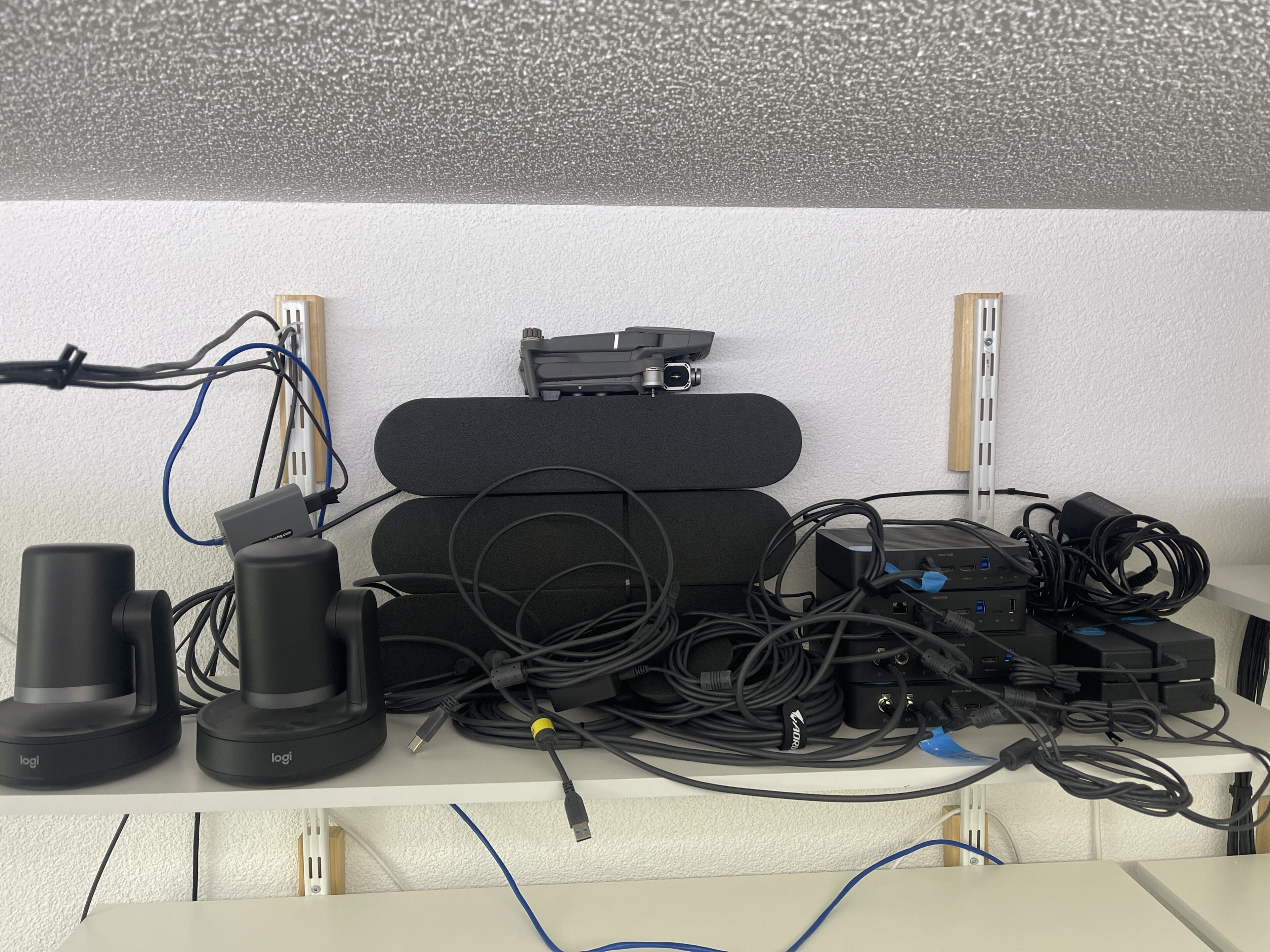
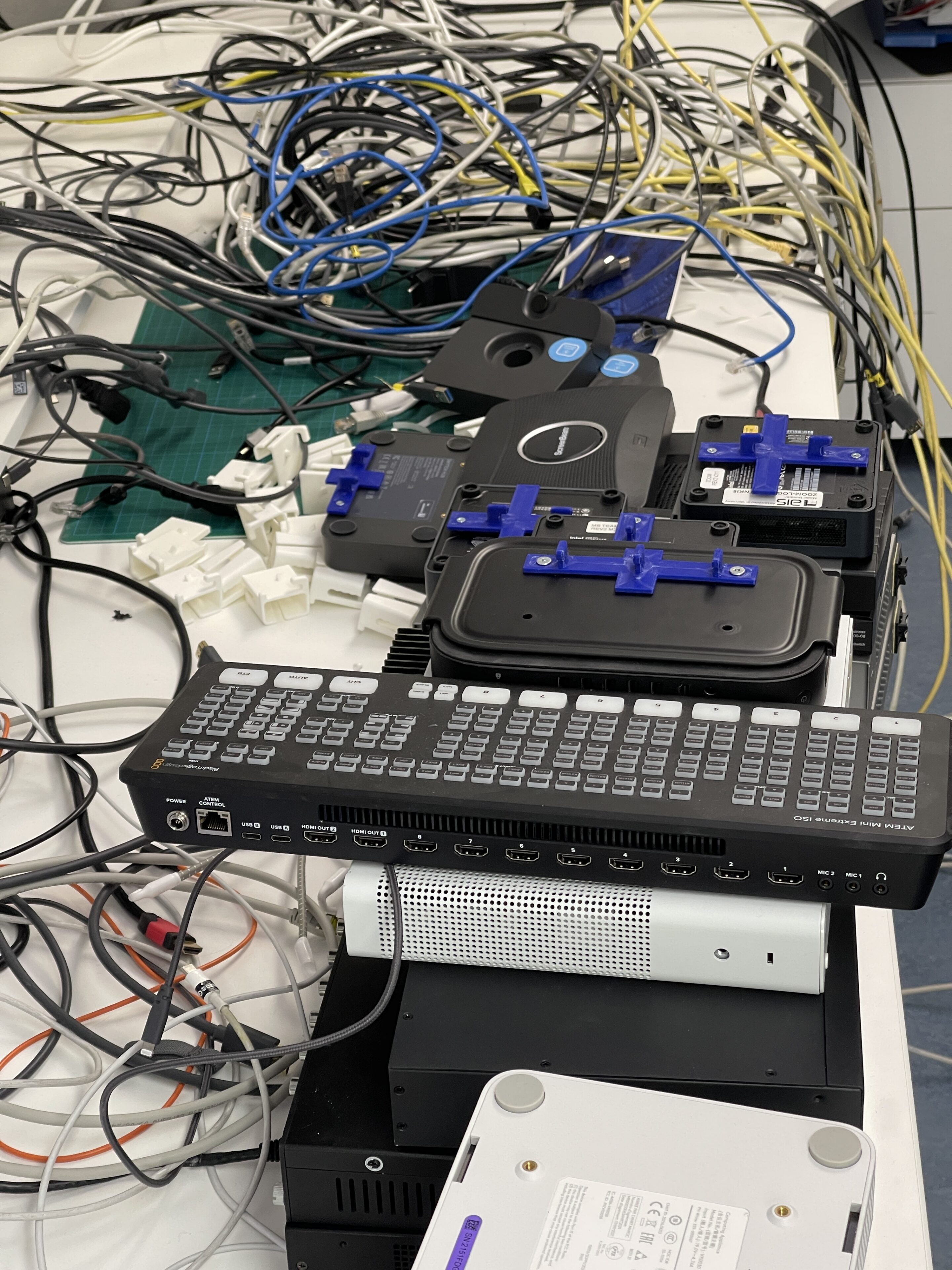
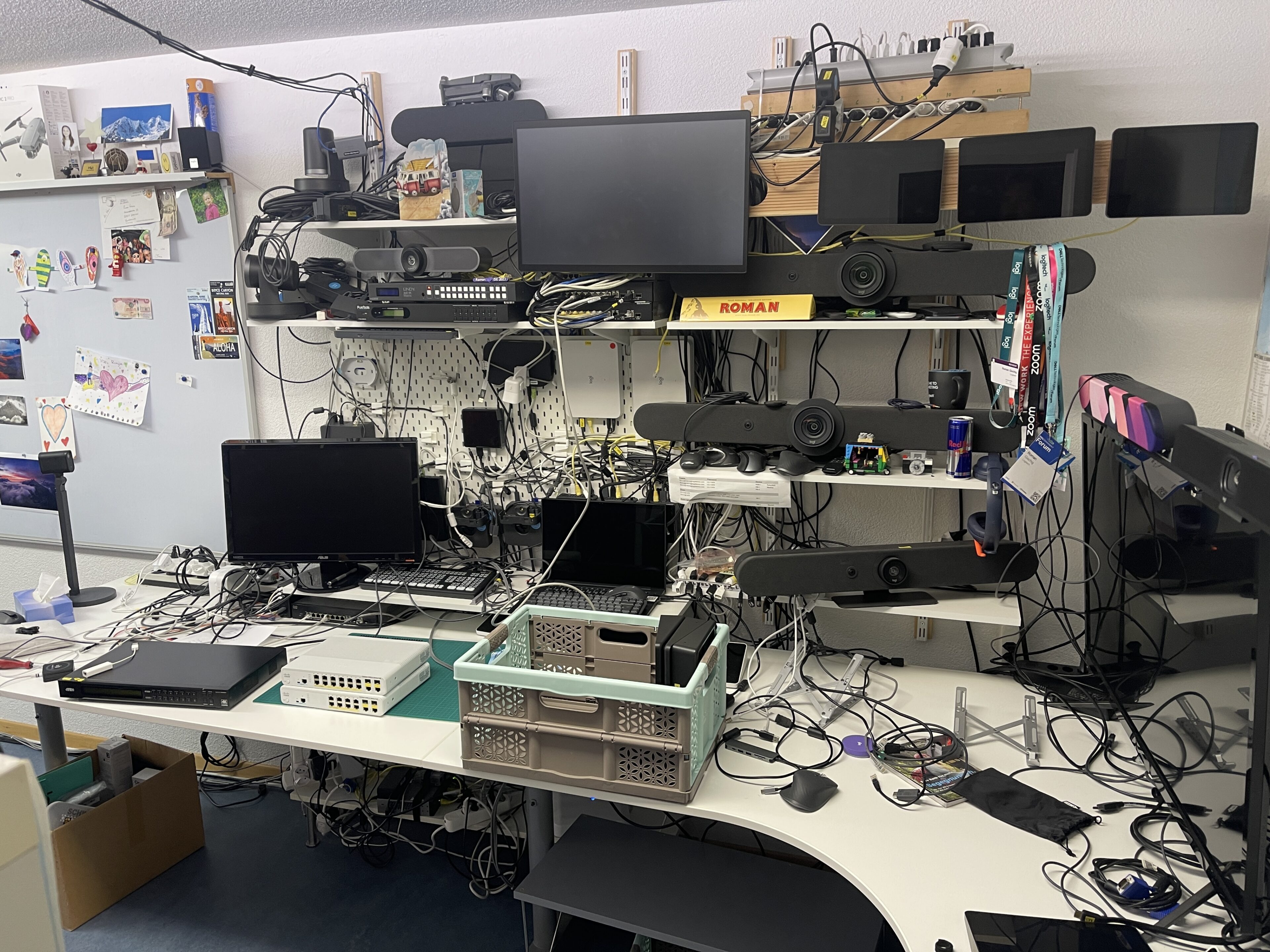
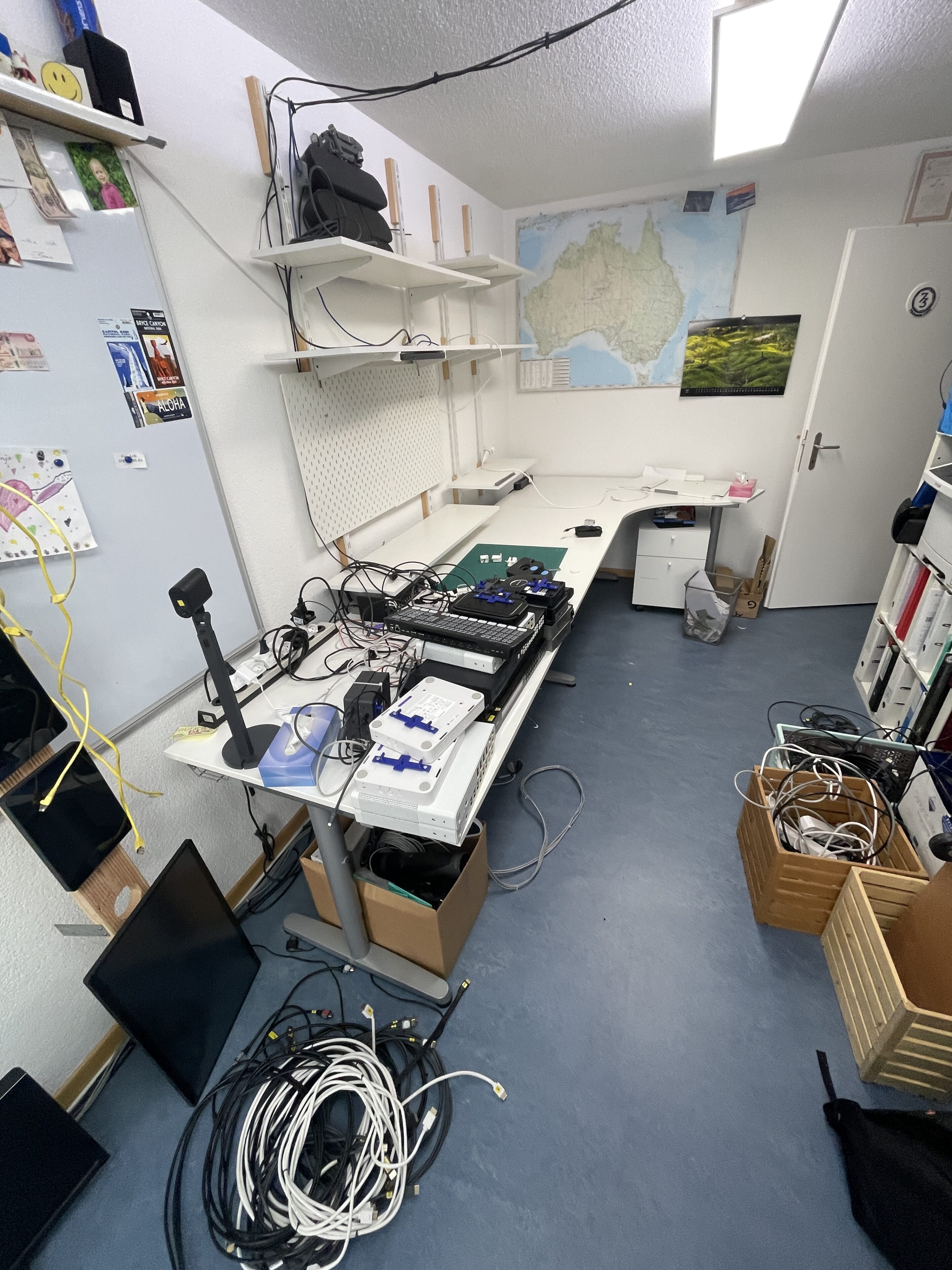
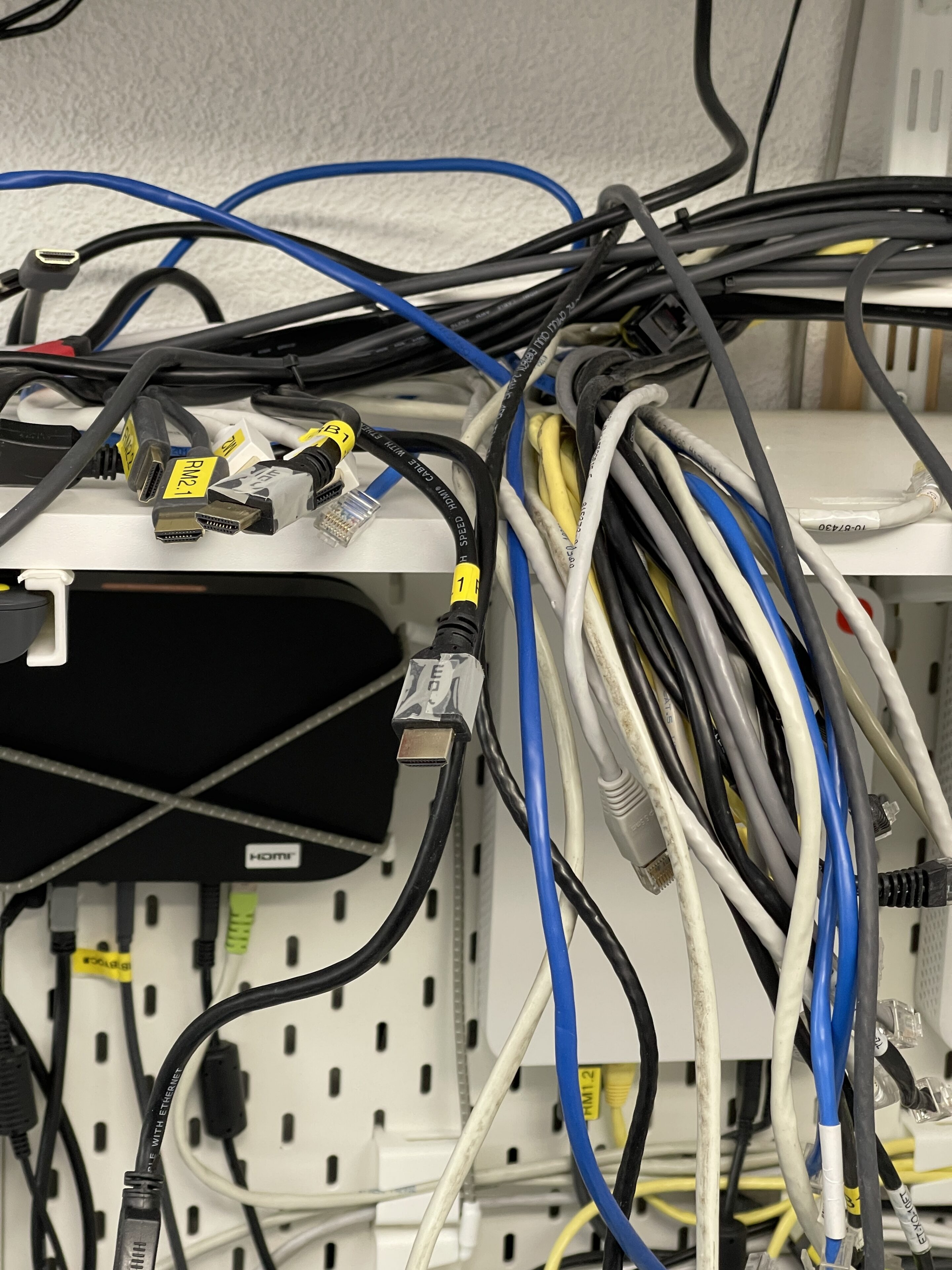
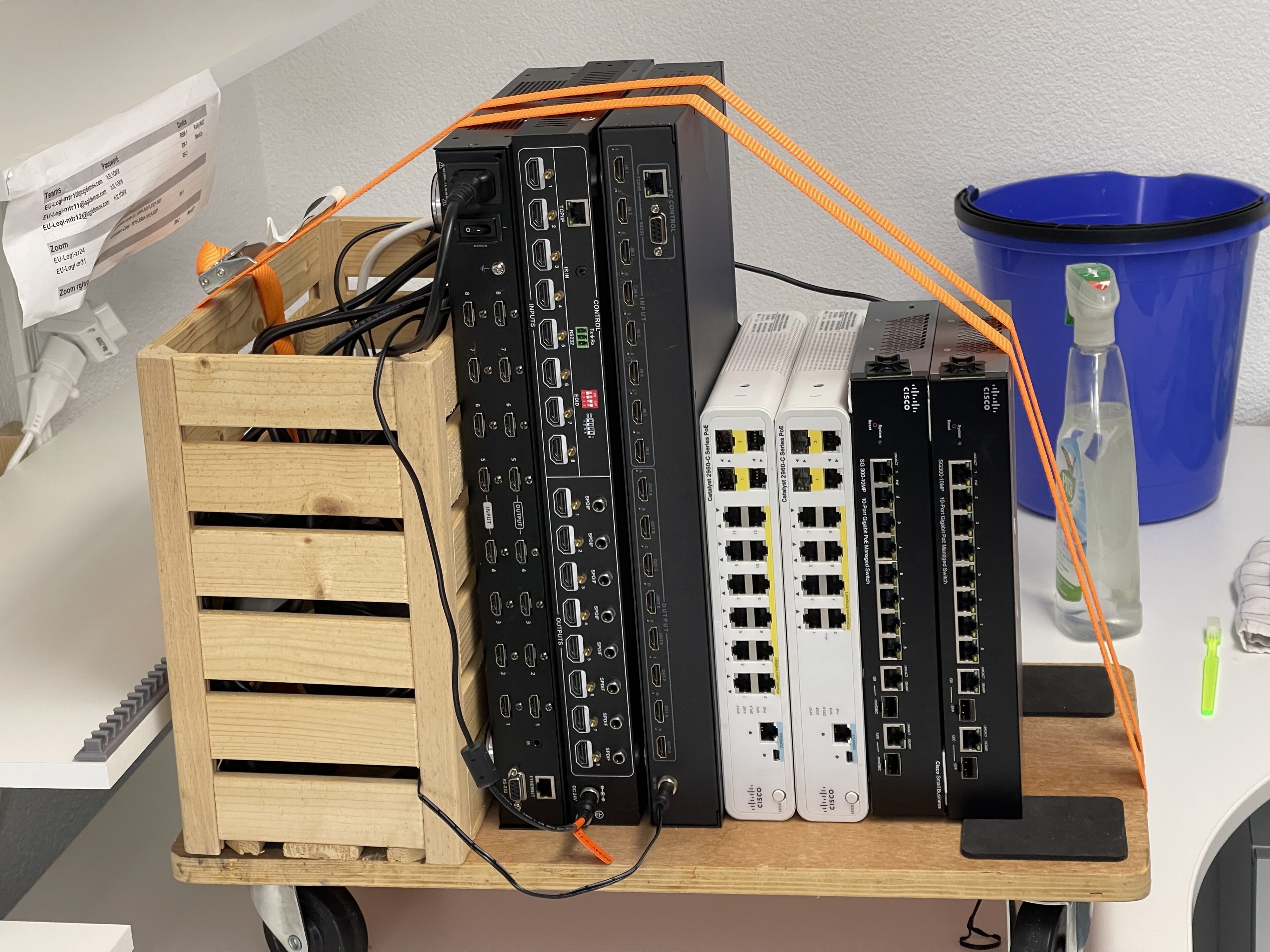
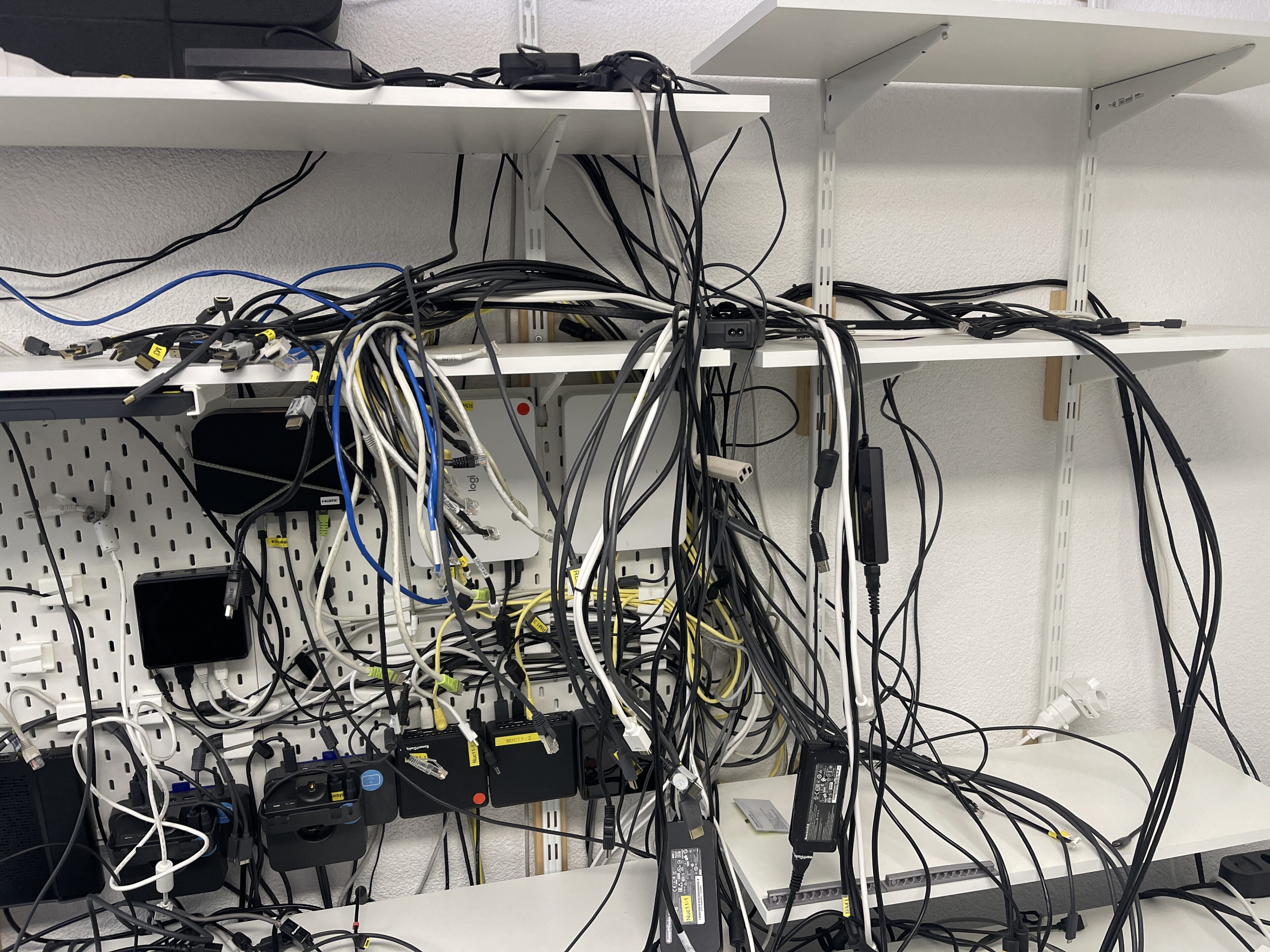
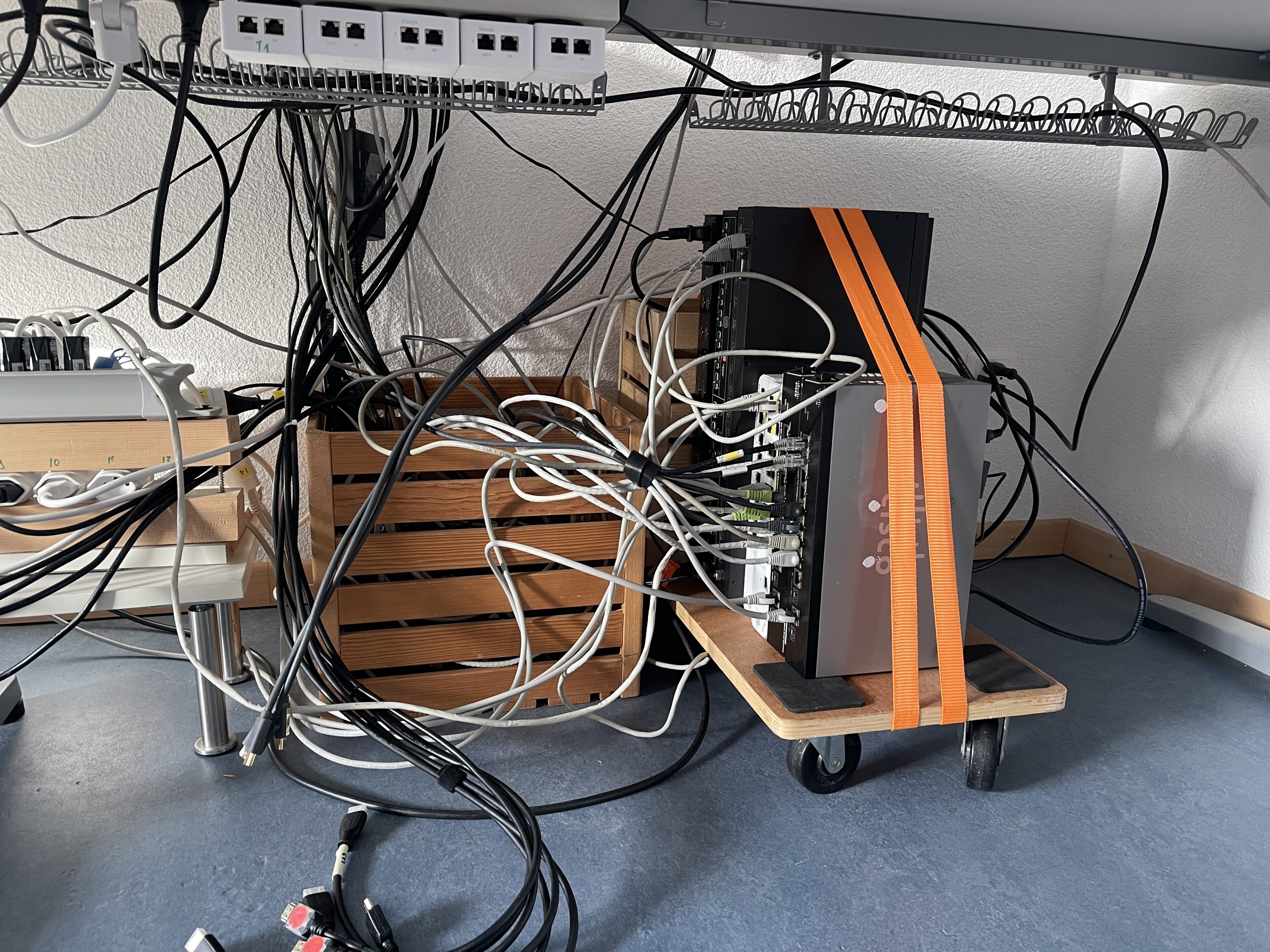
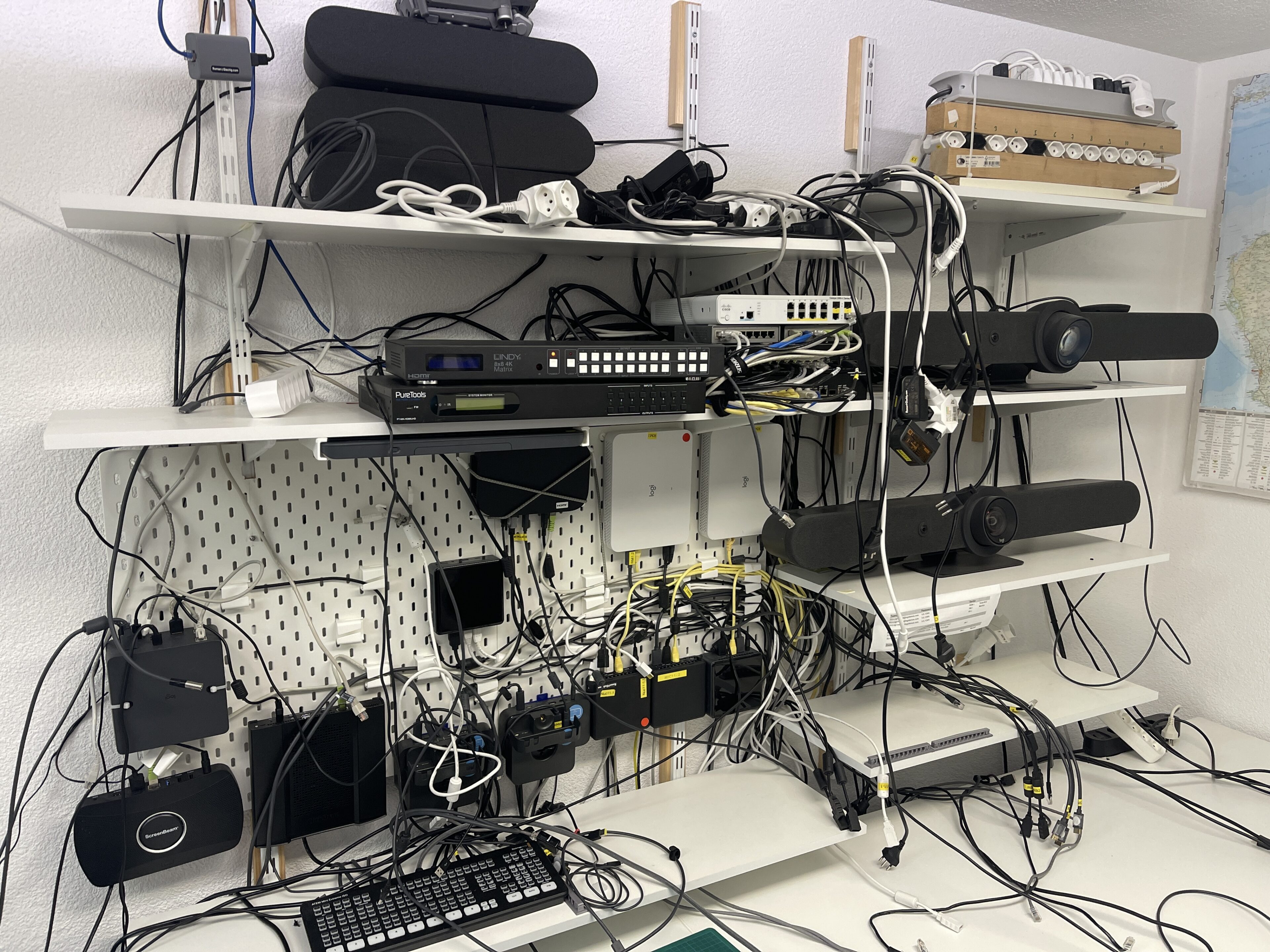
After two days of wiring, it was time to test everything. Most of it worked right away, but not all. I had to reconfigure the Companion App so I could power up the gear properly and ensure the correct ports were active on each matrix.
It’s still not fully perfect, but most things are running as they should — and for now, that’s good enough.
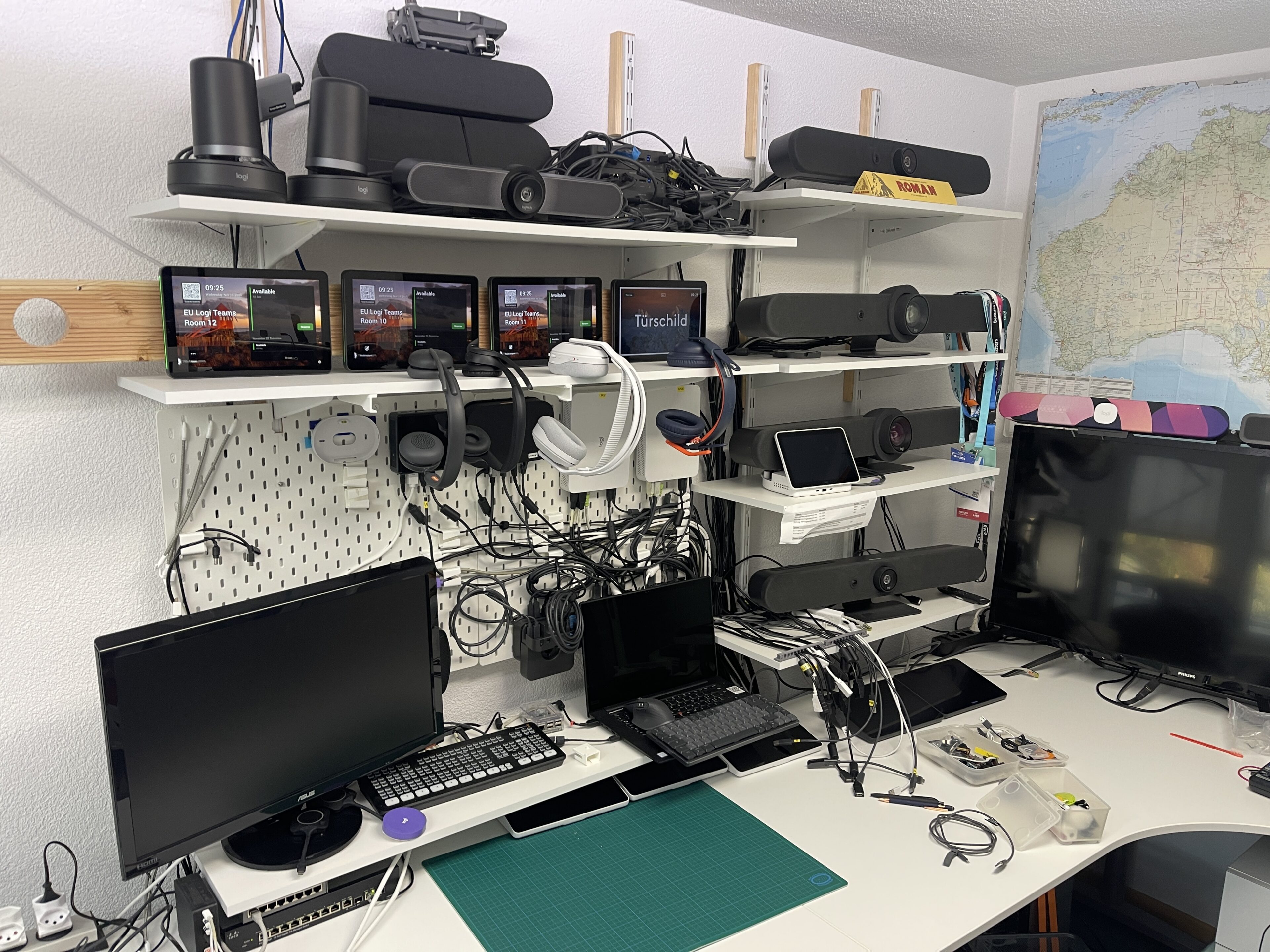
More to come with the updates from the companion app.. so stay tuned.